On-Prem Setup Guide
KafkaGuard On-Prem is a fully self-hosted, air-gapped Kafka compliance platform. It includes a web dashboard, REST API, scan processor, and all infrastructure — deployable with a single installer script.
Architecture
- API (Fastify) — REST API for scan ingestion, queries, auth
- Worker (BullMQ) — Async scan processor with compliance scoring
- Dashboard (Next.js) — Web UI for clusters, findings, scans, users
- PostgreSQL — Database with RLS for multi-tenancy
- Redis — Job queue for scan processing
- MinIO — S3-compatible object storage for raw scan data
- Nginx — TLS termination reverse proxy
Installation
Prerequisites
- Docker 24+ with Compose plugin
- 10GB free disk space
- Ports: 80, 443 (HTTPS), or 3000/3001 (dev mode)
Quick Install
# Extract the bundle
tar -xzf kafkaguard-onprem-v2.0.0.tar.gz
cd kafkaguard-onprem

# Run installer (interactive)
./installer/install.sh
The installer will:
- Run preflight checks (Docker, ports, disk space)
- Generate JWT keys and secrets
- Set up TLS certificates (self-signed or your own)
- Start all services via Docker Compose
- Create your admin account
Verify Installation
Open your browser to https://your-server and log in with the admin credentials you set during installation.
Dashboard Overview
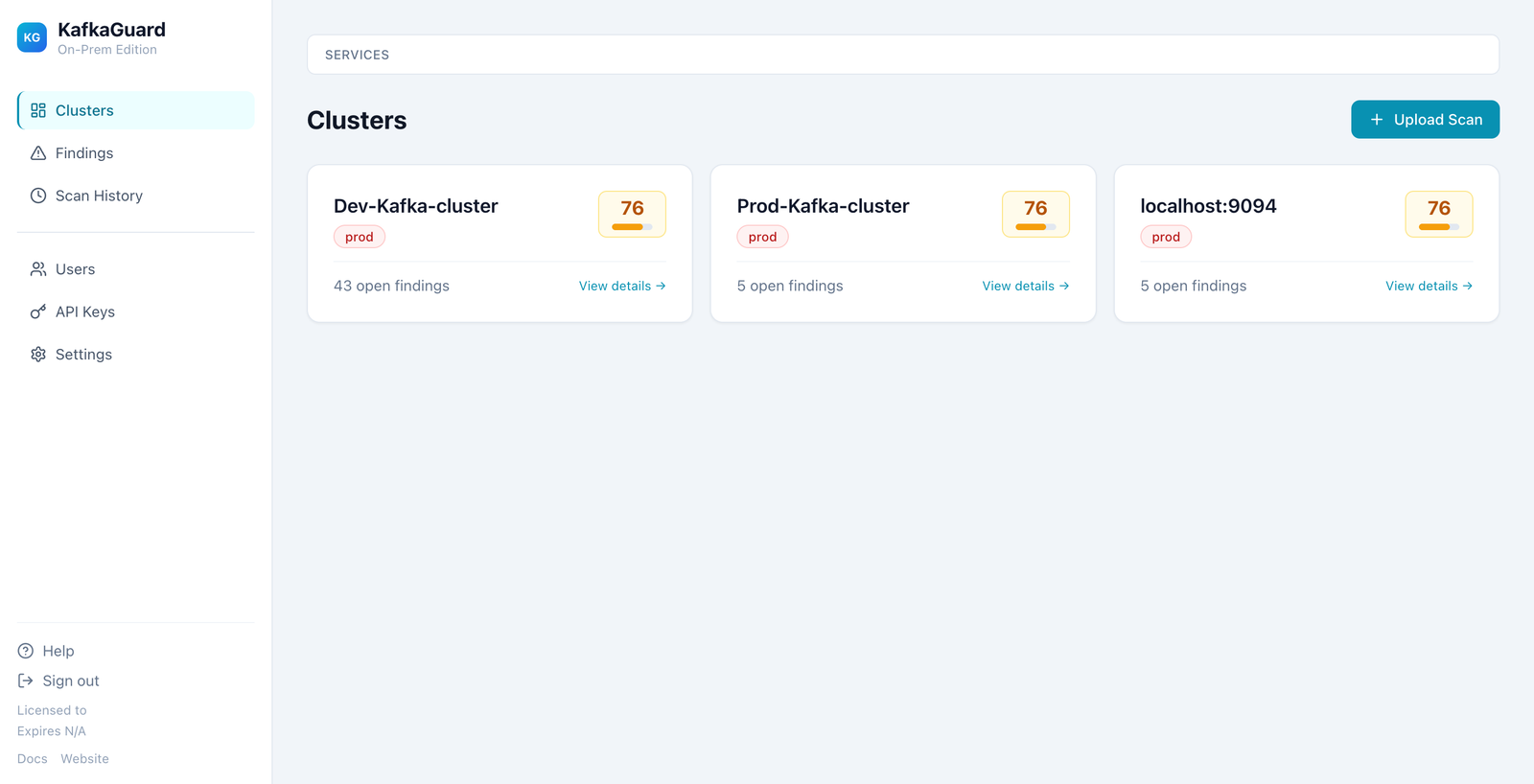
Clusters
View all your Kafka clusters with compliance scores, environment tags, and open findings count. The grid layout scales to show multiple clusters at a glance.
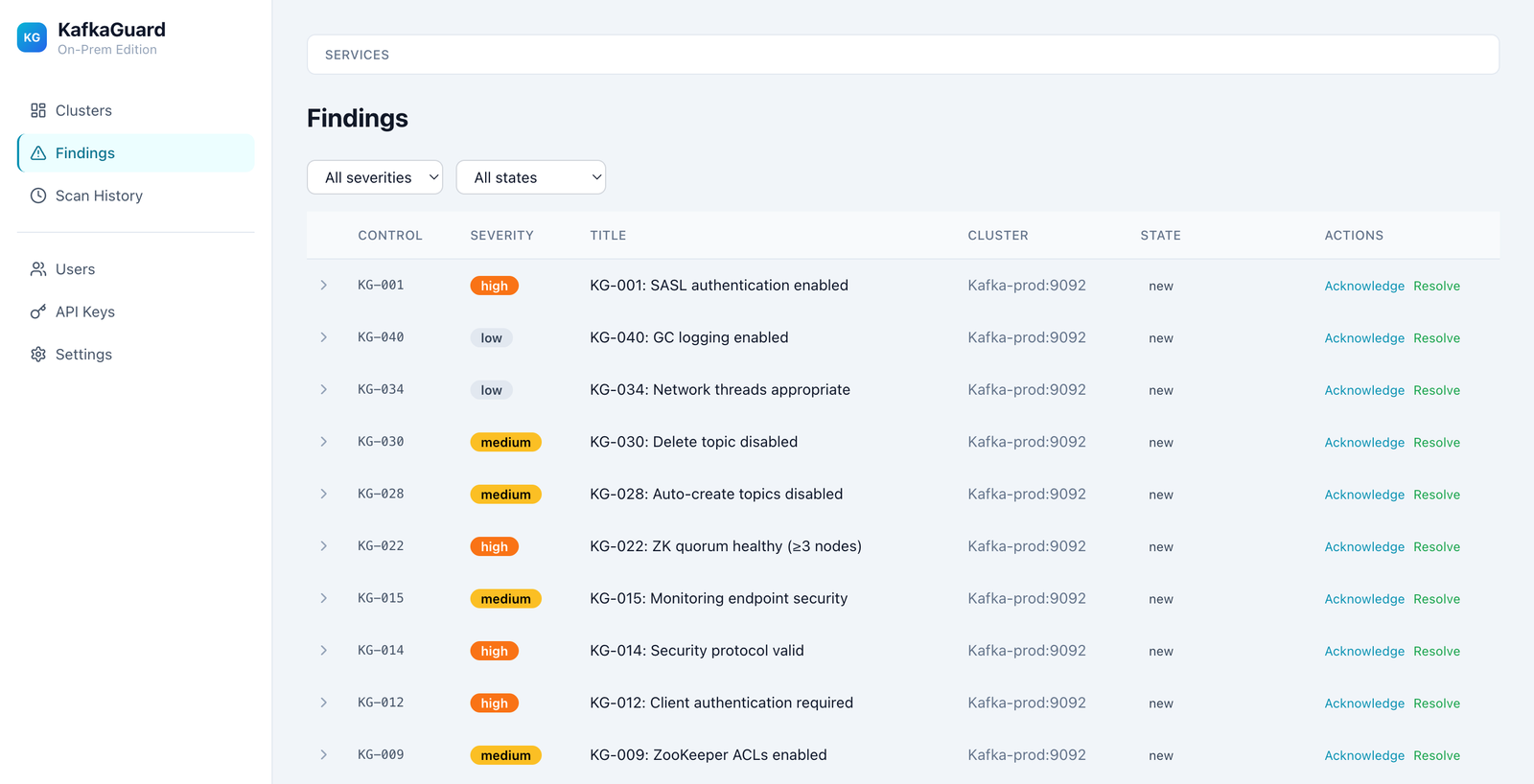
Findings Explorer
Browse security violations with severity filters, state management (acknowledge/resolve), and inline remediation guidance.
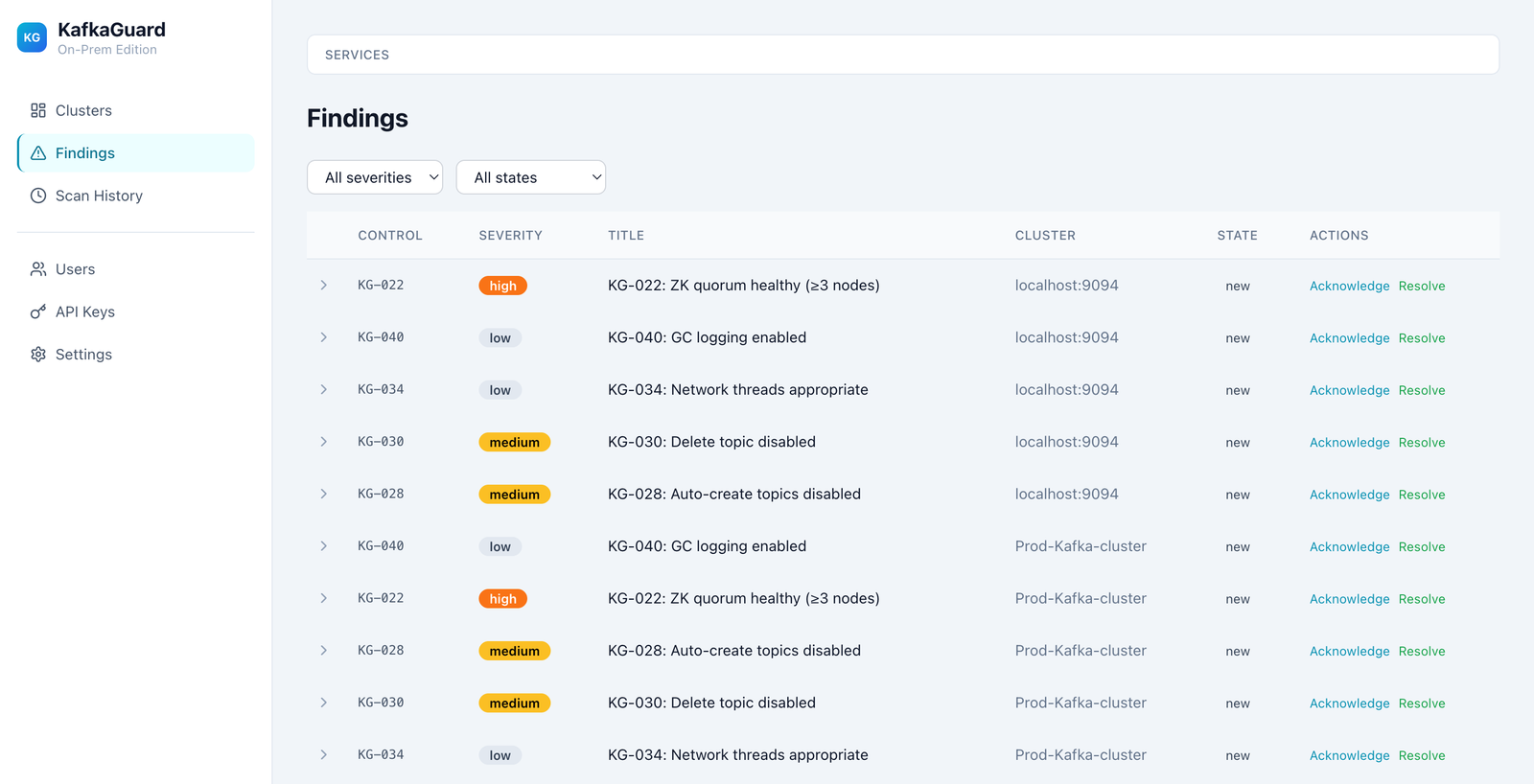
Remediation Guidance
Click any finding row to expand it and see detailed remediation instructions. Each control includes specific steps to fix the issue.
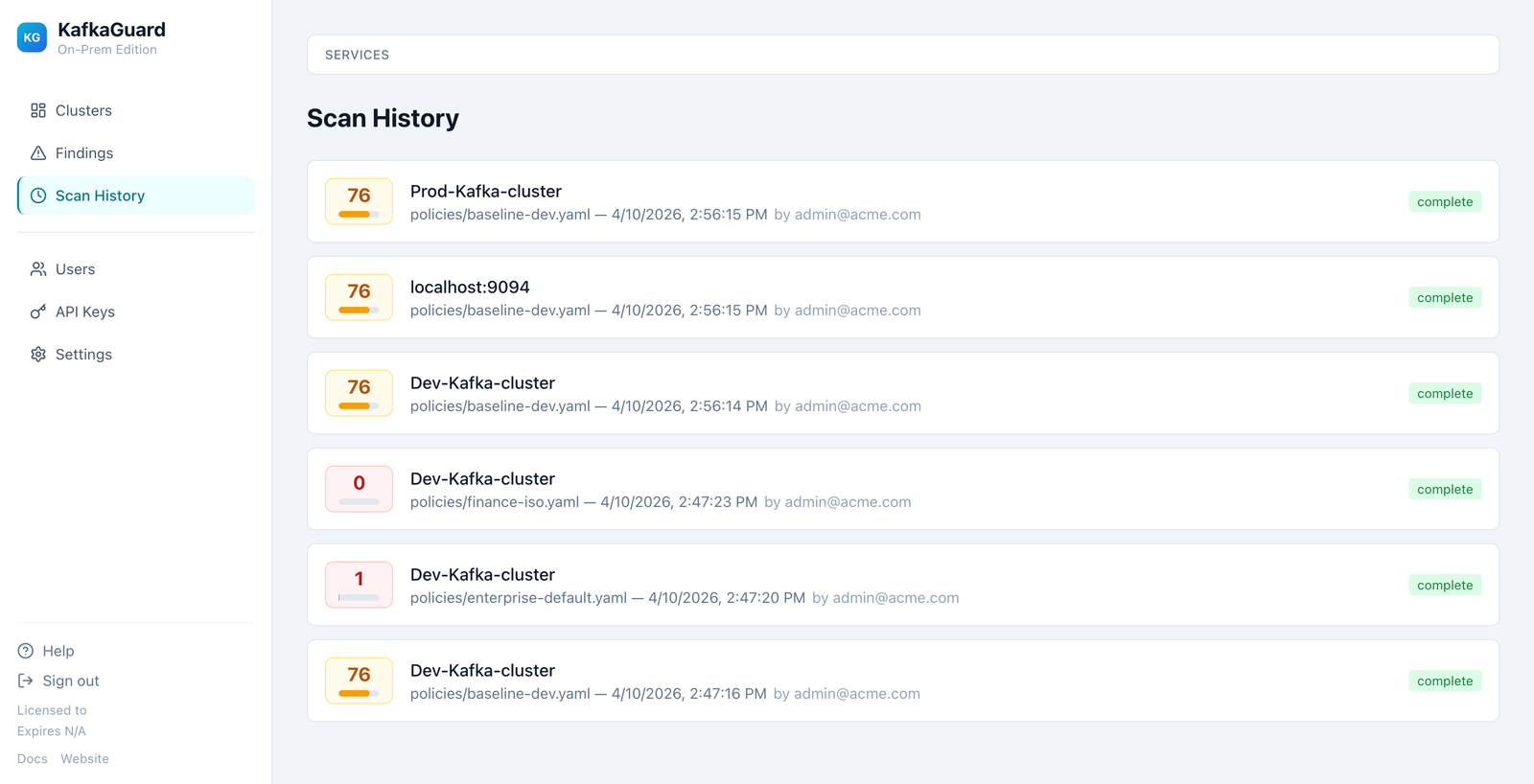
Scan History
Timeline of all scans across all clusters, with scores, policies used (baseline-dev, enterprise-default, finance-iso), and who uploaded them.
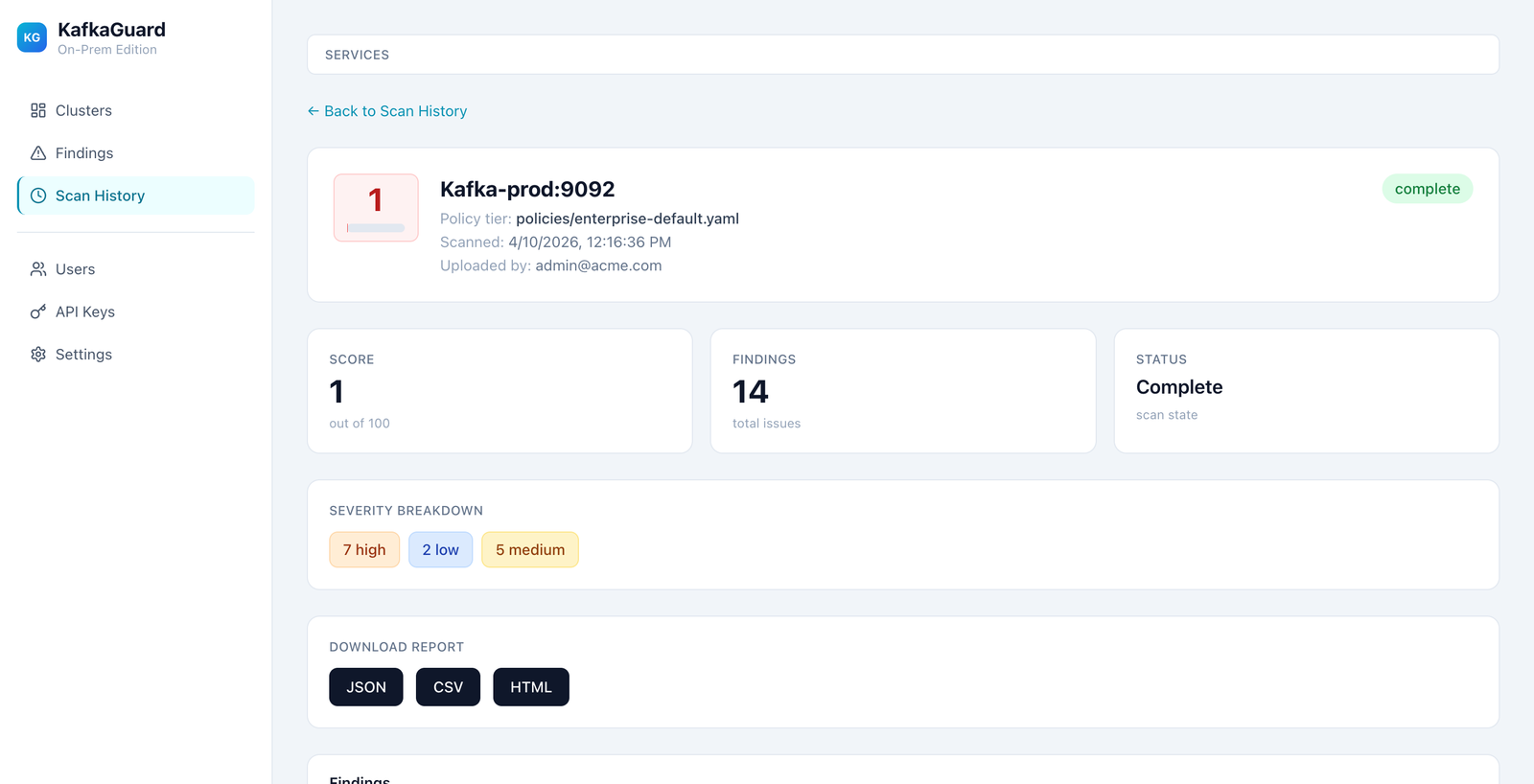
Scan Detail
Drill into any scan to see severity breakdown, download reports (JSON/CSV/HTML), and view findings.
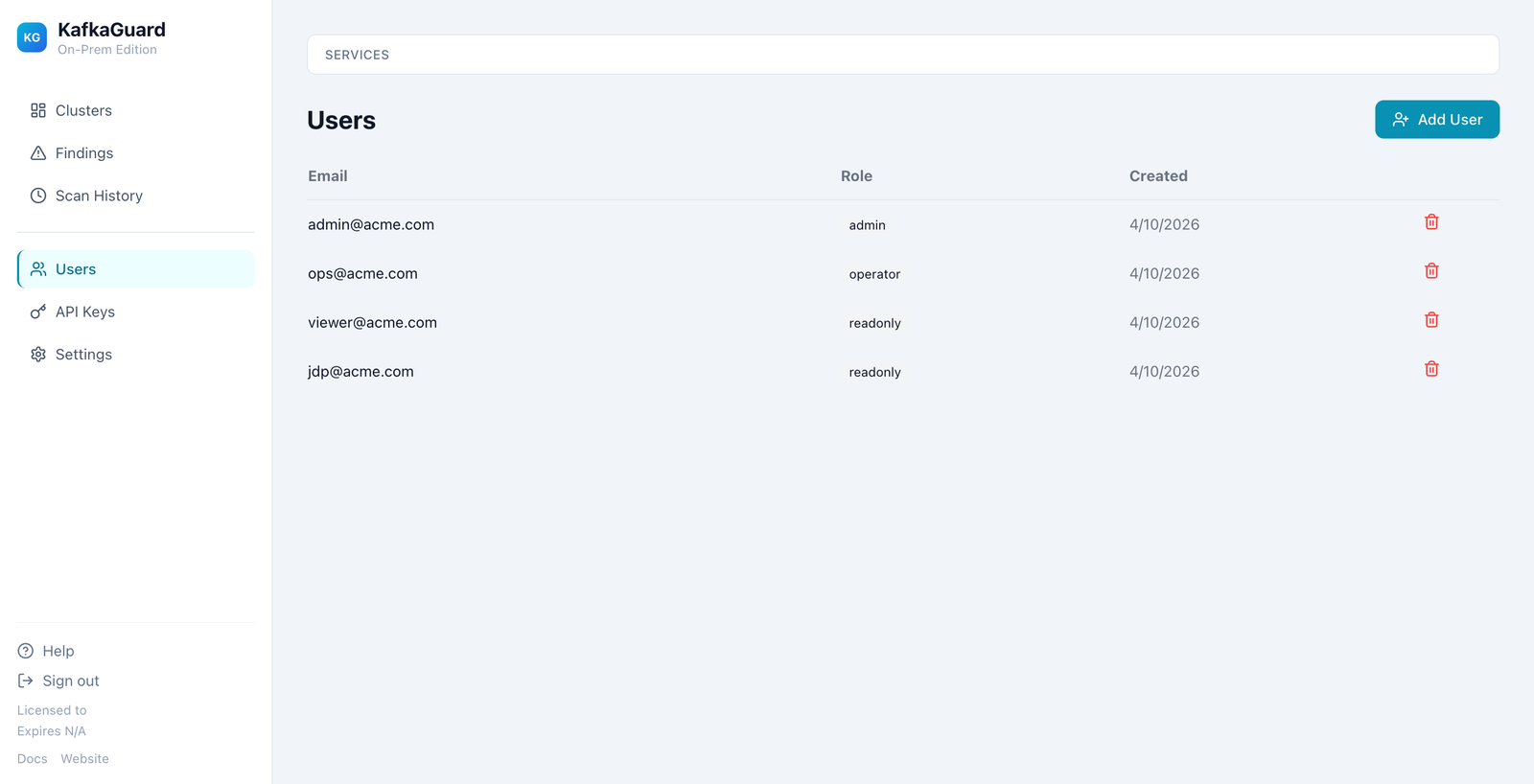
User Management
Manage team members with role-based access: Admin, Operator, and Read-only.
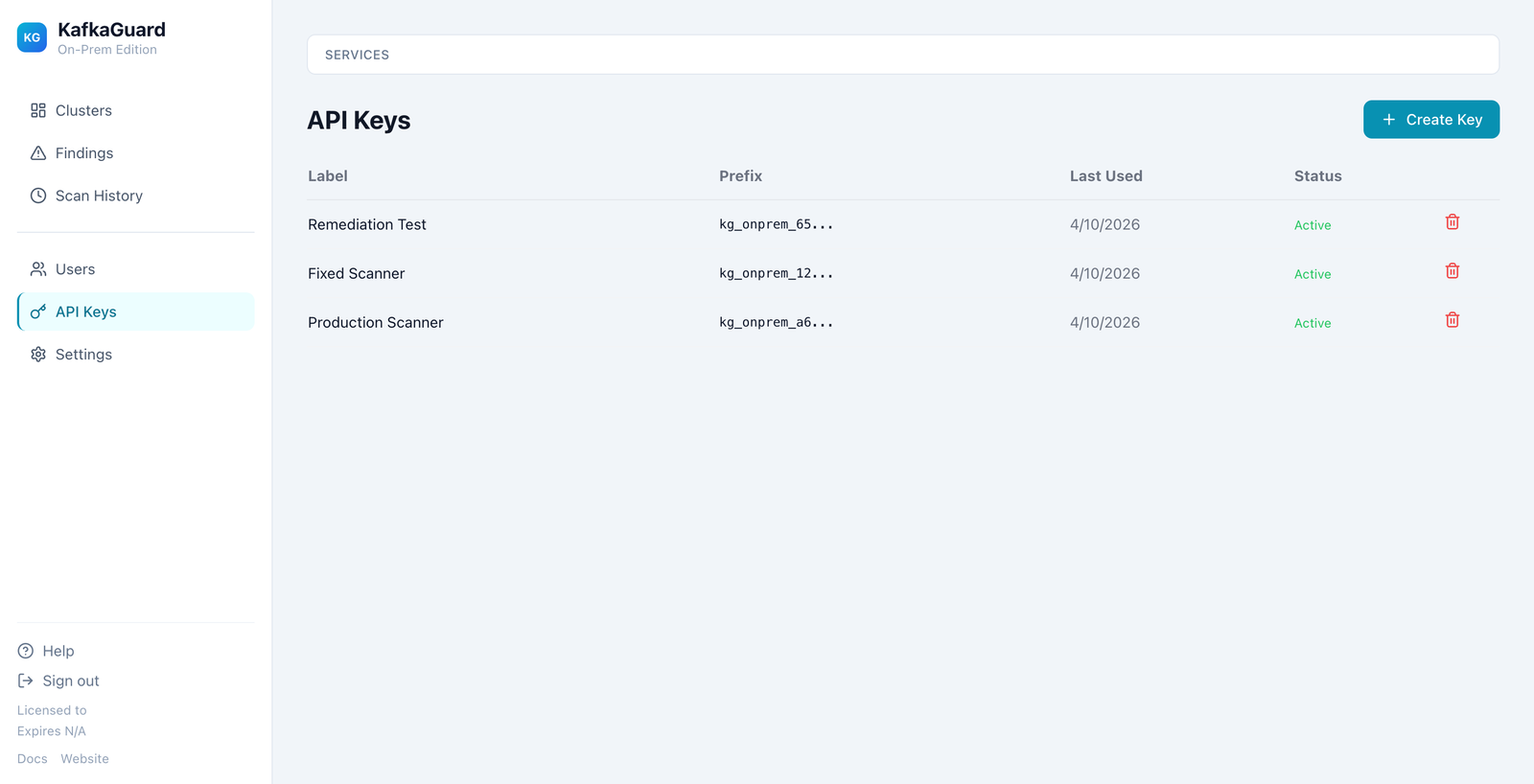
API Keys
Create and manage API keys for CLI scan uploads.
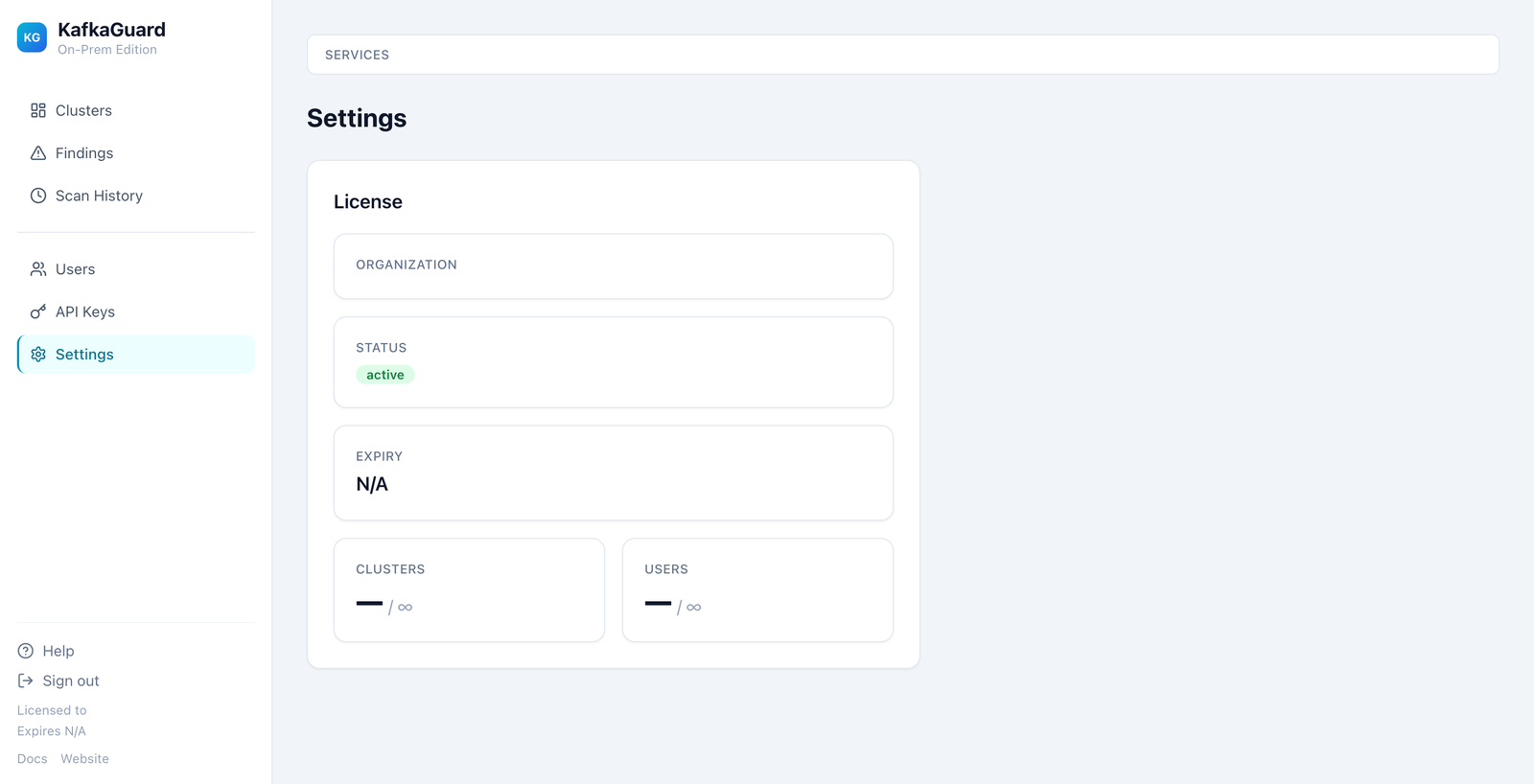
Settings & License
View license status, cluster/user usage, and organization details.
Uploading Scans
From CLI
# Create an API key in Dashboard → API Keys → Create Key
export KAFKAGUARD_API_KEY=kg_onprem_your_key_here

# Scan and upload in one command
kafkaguard scan \
  --bootstrap kafka1:9092,kafka2:9092,kafka3:9092 \
  --policy policies/enterprise-default.yaml \
  --upload https://your-kafkaguard-server
Manual Upload
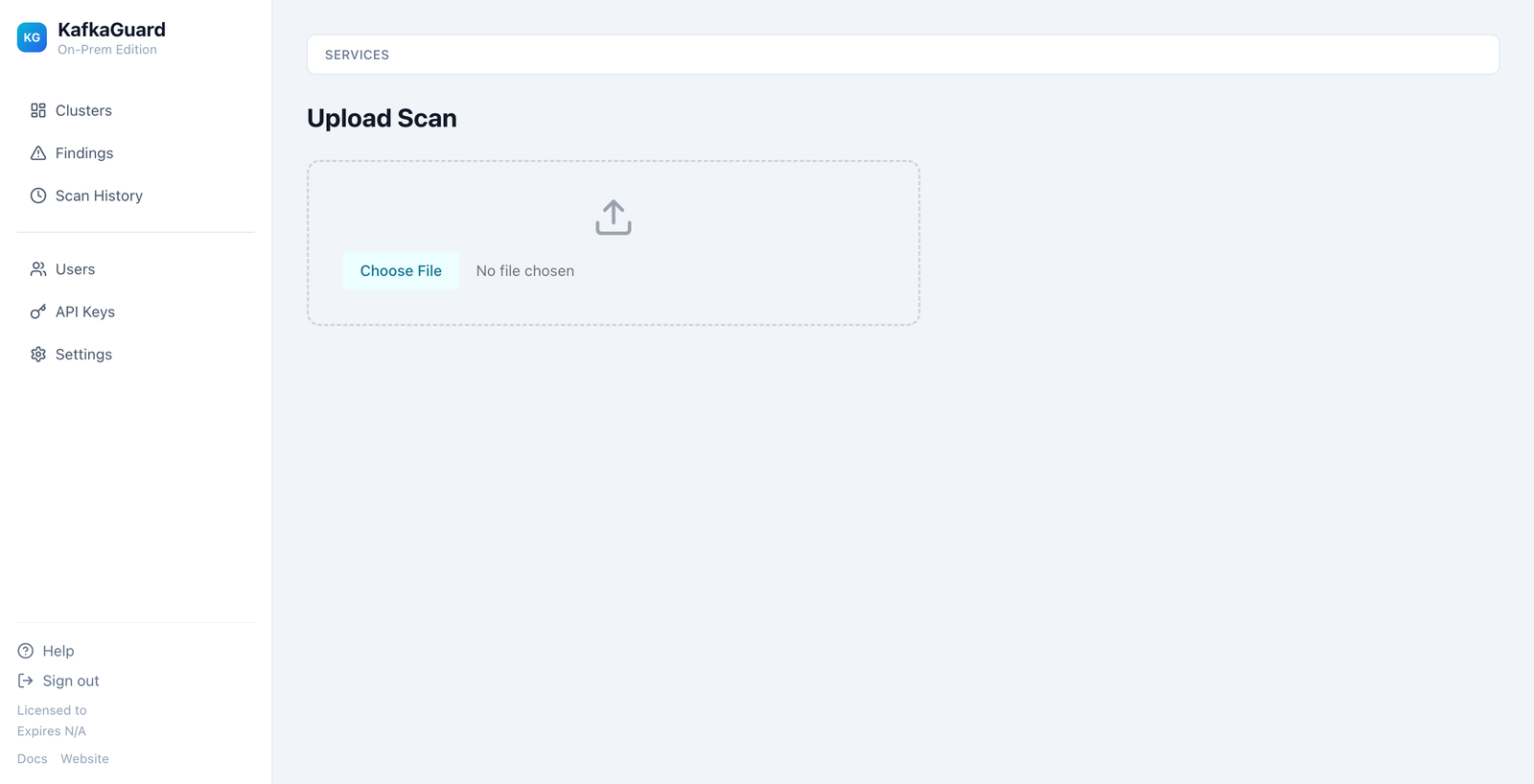
Use Dashboard → Upload Scan to upload a JSON scan file directly.
Backup & Restore
# Create a backup
./installer/backup.sh backup

# List backups
./installer/backup.sh list

# Restore from backup
./installer/backup.sh restore backups/kafkaguard-backup-20260410-120000
Backups are automatically created before upgrades.
Upgrading
# Extract new version
tar -xzf kafkaguard-onprem-v1.1.0.tar.gz

# Run upgrade (auto-backup + rolling restart)
./installer/upgrade.sh
API Documentation
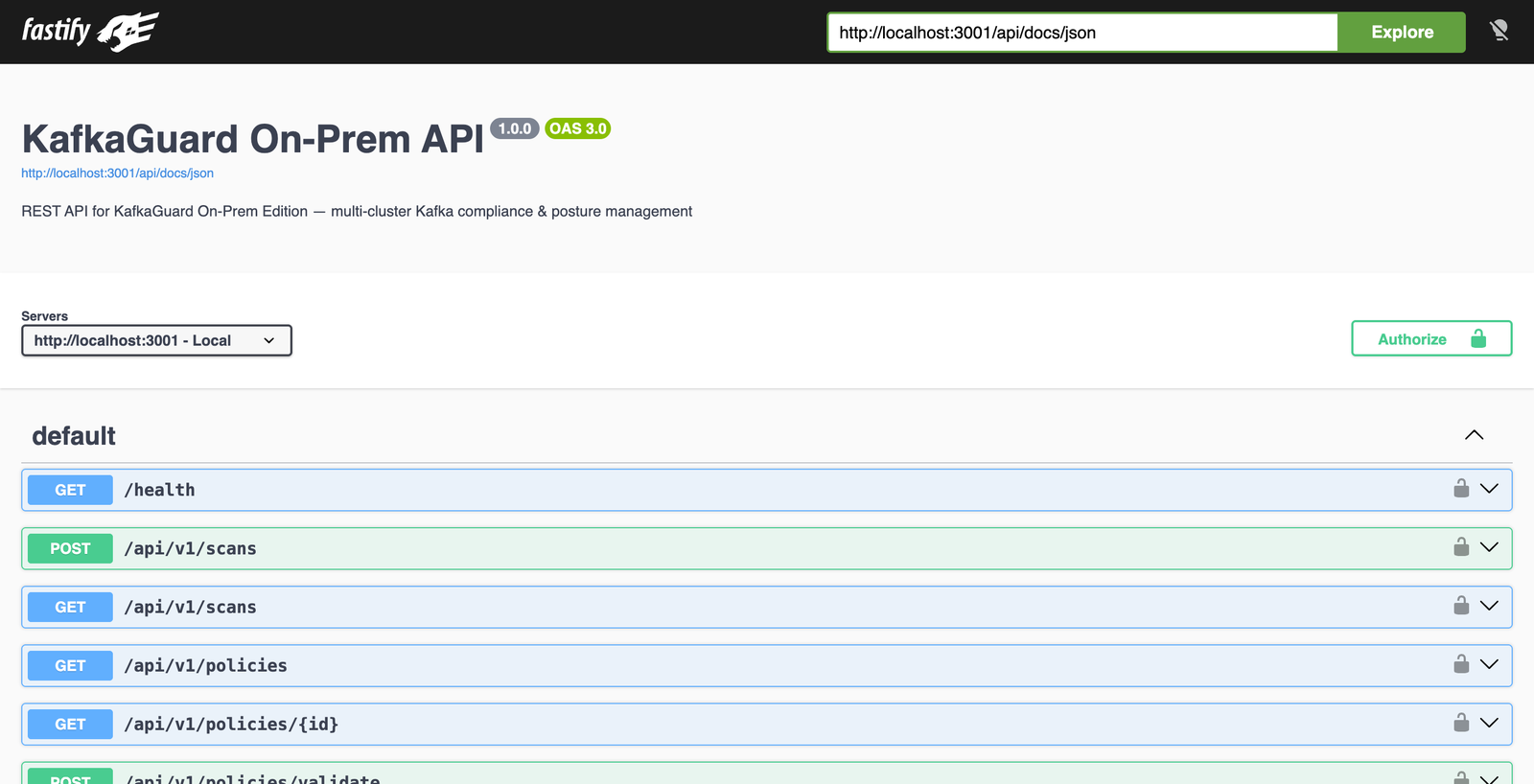
Interactive API docs are available at https://your-server/api/docs (Swagger UI).
Support
- Documentation: Available in-app at /docs
- Website: kafkaguard.com
- Email: support@kafkaguard.com